An outdated website does not automatically need to be rebuilt.
Sometimes the technology is fine and the real problem is unclear messaging, weak navigation, or an old visual experience. In other cases, changing the design only hides deeper problems in the CMS, code, performance, or integrations.
That is why the website redesign vs rebuild decision should start with diagnosis—not appearance.
Quick Answer:
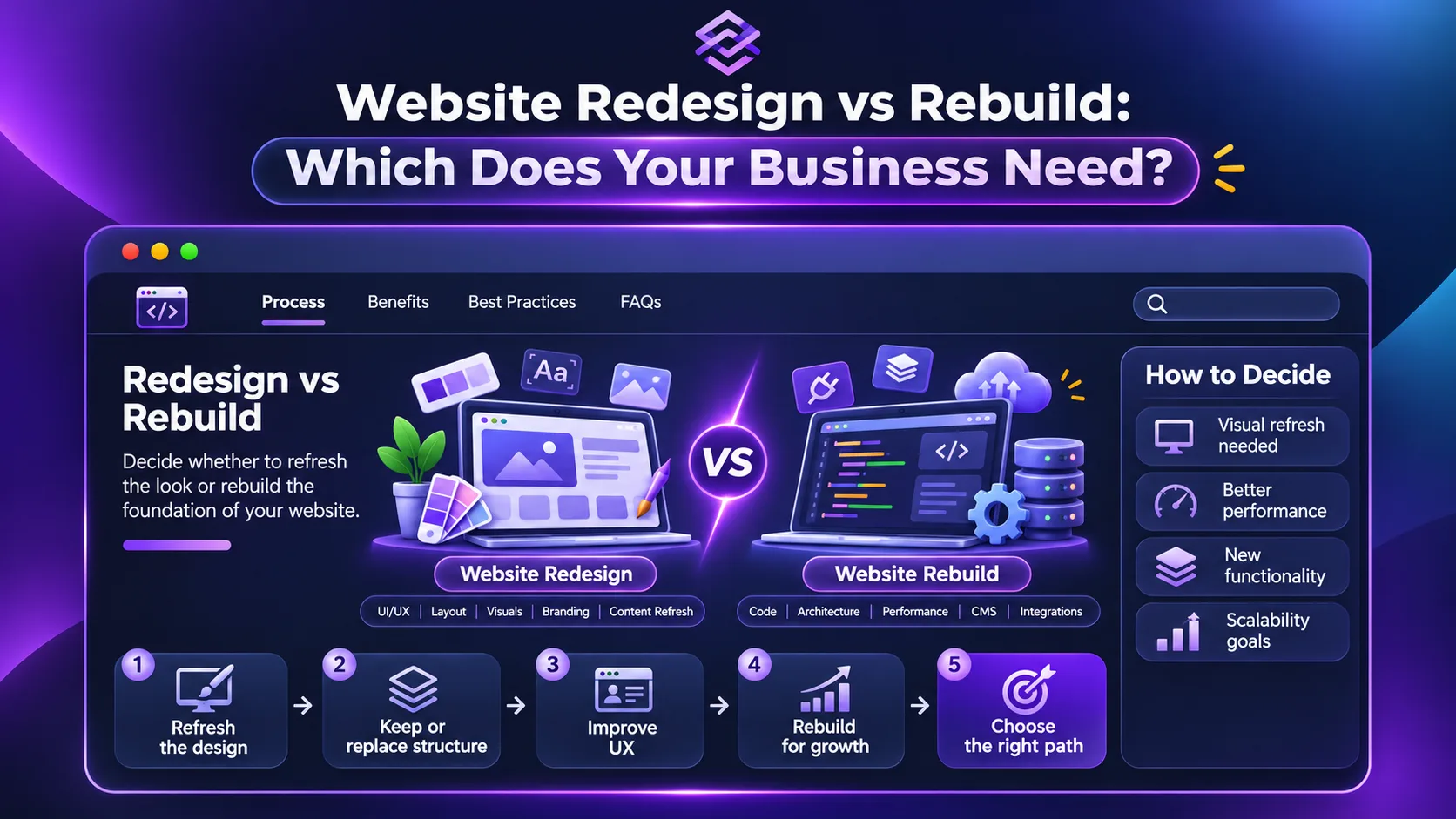
Choose a website redesign when the existing technical foundation still works but the experience, content, structure, or visual design needs improvement. Consider a rebuild when the CMS, code, integrations, performance, security, or architecture prevents the website from supporting the business properly.
If you are also evaluating who should handle the project, our guide to choosing the best web development company in Egypt covers the wider hiring decision.
Website Redesign vs Rebuild: Quick Comparison
Area | Website Redesign | Website Rebuild |
|---|---|---|
Main problem | Experience, content, brand, conversion | Technology, architecture, maintainability |
Existing platform | Usually retained | Often replaced or heavily reworked |
Visual design | Usually changes | Usually changes |
Site structure | May change | Often reconsidered |
Codebase | Mostly retained | Substantially replaced |
CMS | Usually retained | May be replaced |
Integrations | Usually retained | May need rebuilding |
Migration risk | Lower | Higher |
Typical scope | More focused | Broader |
Best when | Foundation is still healthy | Foundation limits the business |
Neither option is automatically better.
The right choice depends on where the problem actually lives.
Start by Identifying Which Layer Is Failing
A website can underperform for several completely different reasons.
Before deciding between a website redesign or rebuild, diagnose the problem in layers.
Layer | Typical Problem | Likely Direction |
|---|---|---|
Brand & Content | Messaging feels outdated or unclear | Redesign |
UX | Navigation and journeys confuse users | Redesign |
CMS | Publishing is slow or difficult | Rebuild may be justified |
Code & Performance | Technical fixes keep creating new problems | Rebuild more likely |
Integrations | CRM, payments, or APIs are fragile | Rebuild or targeted redevelopment |
This prevents one of the most expensive mistakes in website projects:
Solving a technical problem with a visual redesign—or rebuilding a healthy website because it looks old.
When a Website Redesign Is Usually Enough
A redesign makes sense when the foundation is still capable of supporting the business.
For example, the CMS works, pages can be updated easily, integrations are stable, and the site can support the functionality you expect to need.
The problems may instead be:
An outdated visual identity
Confusing navigation
Weak page hierarchy
Poor calls to action
Inconsistent layouts
Old content
Weak mobile experience
Low conversion clarity
In that situation, throwing away the technical foundation may add cost without solving an additional problem.
The project may need new UX, new UI, better content structure, and frontend improvements—but not an entirely new platform.
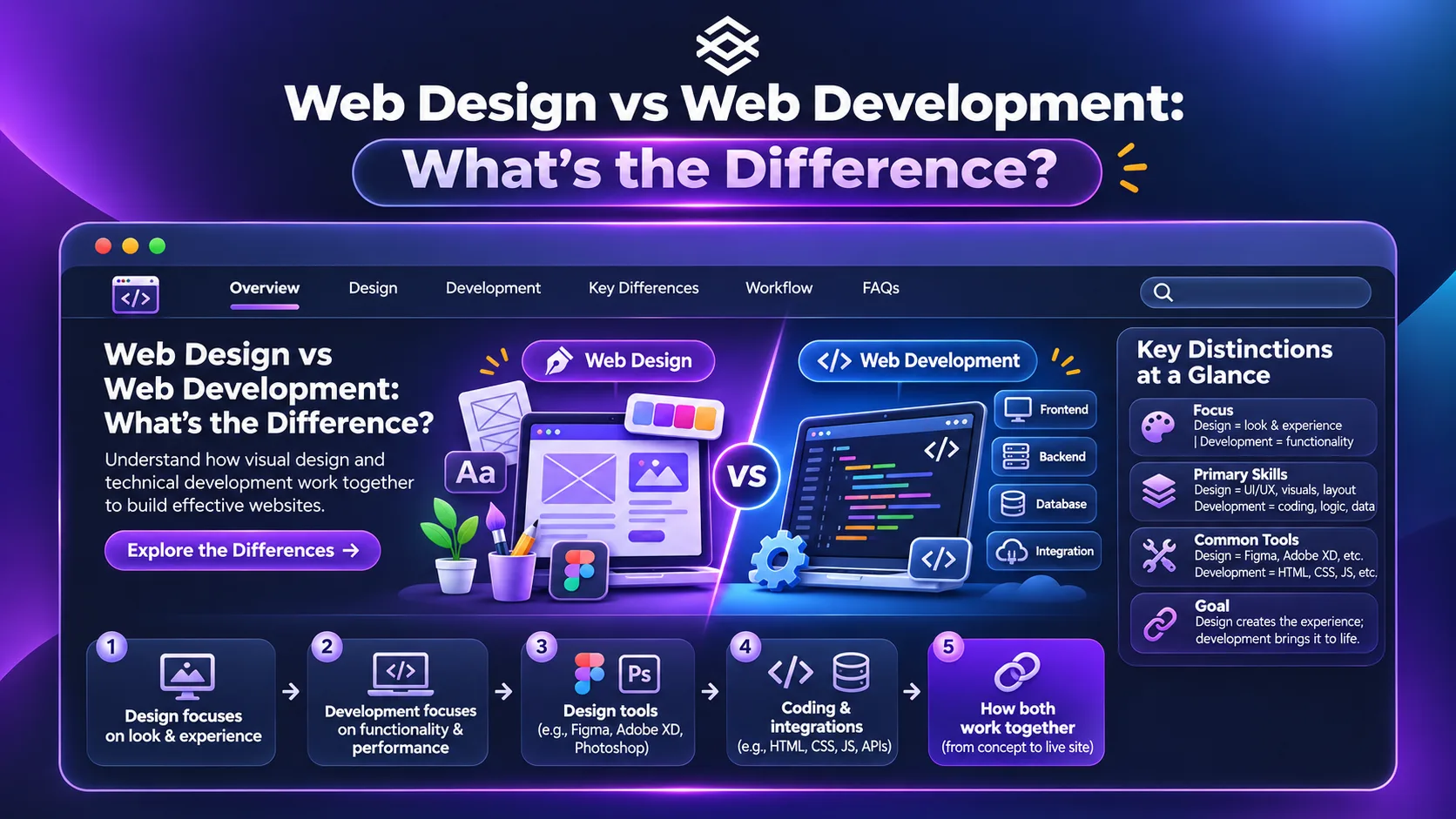
Understanding web design vs web development helps separate experience problems from technical ones before the scope grows unnecessarily.
When a Website Rebuild Makes More Sense
A website rebuild becomes more reasonable when the problems sit underneath the interface.
Common examples include a CMS that makes normal updates difficult, outdated dependencies, a fragile codebase, poor integration architecture, or a platform that cannot support new business requirements.
The key signal is not simply age.
It is friction.
If every new feature requires a workaround, every update creates another problem, or the team avoids changing the website because nobody trusts the system underneath it, the foundation may have become the constraint.
A rebuild can provide the opportunity to rethink:
Technical Area | Possible Rebuild Goal |
|---|---|
CMS | Easier publishing and content management |
Architecture | Cleaner structure for future growth |
Code | Better maintainability |
Integrations | More reliable system connections |
Performance | Remove technical bottlenecks |
Data | Improve how information is structured |
Security | Replace unsupported or risky components |
But rebuilding should still solve a documented problem.
“Starting fresh” is not, by itself, a business case.
Website Redesign vs Rebuild: Do Not Judge From the Homepage
A polished homepage can hide an unhealthy website.
Likewise, an unattractive homepage can sit on top of a perfectly usable technical foundation.
Before choosing, examine what happens behind the visible pages.
Ask how easily the team can publish content, create landing pages, update navigation, manage forms, connect marketing tools, and add functionality.
Then look at the customer side:
Can users find important services?
Can they complete key actions easily?
Does the mobile experience work properly?
The decision becomes much clearer when internal operational problems and customer-facing problems are evaluated separately.
Sometimes the Best Answer Is Neither Extreme
The website redesign vs rebuild decision is not always binary.
A project may keep the existing CMS while rebuilding the frontend.
Another may keep most URLs and content while replacing the platform underneath them.
A third may redesign only the highest-value sections first and postpone deeper technical work.
The better principle is:
Choose the smallest change that solves the whole problem.
This prevents unnecessary rebuilds while also avoiding cosmetic fixes that leave the real constraint untouched.
What Should You Keep During a Website Rebuild?
A rebuild does not mean everything on the existing website has no value.
Before replacing anything, create an inventory.
Existing Asset | Question to Ask |
|---|---|
High-performing pages | Should the content and URL be preserved? |
Organic landing pages | Are they bringing search traffic? |
Backlinks | Which URLs have external links? |
Content | What still serves the current business? |
Forms | Which ones generate real enquiries? |
Analytics | What user behavior should inform the new site? |
Integrations | Which connections are still required? |
Customer journeys | Which paths already work well? |
This is especially important for SEO.
A technical rebuild can improve a website while still damaging organic visibility if valuable URLs, internal links, redirects, or content are handled carelessly.
Our future SEO-friendly web development guide will cover the technical foundations that should be protected or rebuilt correctly.
Protect SEO During a Website Rebuild
A rebuild should never begin with the assumption that every URL can simply change.
If URLs do change, the project needs a migration plan.
That means understanding the current site before replacing it.
Important work can include URL inventory, redirect mapping, internal-link updates, canonical checks, sitemap updates, and post-launch monitoring.
The objective is not to preserve every outdated page forever.
It is to make deliberate decisions instead of accidentally throwing away useful search signals.
Compare the Cost of Keeping the Current Website Too
Businesses often compare:
Redesign cost vs rebuild cost
but forget a third number:
The cost of continuing with the current website.
That cost can appear as:
Hidden Cost | Example |
|---|---|
Developer dependency | Simple updates require technical help |
Lost leads | Poor UX reduces enquiries |
Manual work | Systems cannot integrate properly |
Maintenance | Repeated fixes consume budget |
Slow campaigns | Landing pages take too long to publish |
Technical debt | Every new feature becomes harder to add |
A rebuild can be more expensive initially and still be the better commercial decision.
A redesign can also be much smarter when those operational problems do not exist.
If budget is central to the decision, our website development cost in Egypt guide explains why scope matters more than a single headline price.
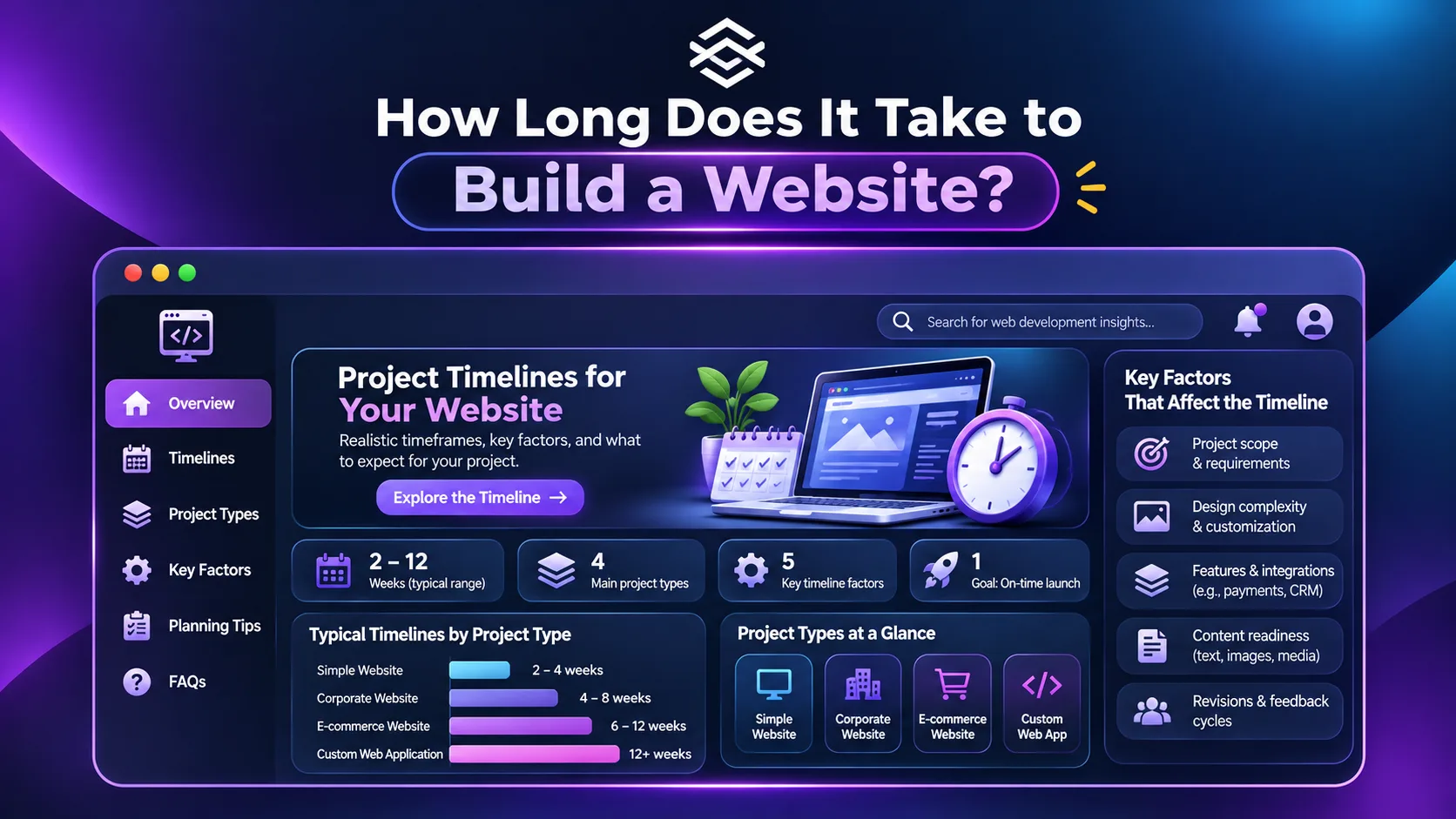
How Long Does a Redesign or Rebuild Take?
A redesign is generally more focused because more of the existing foundation remains.
A rebuild usually adds technical planning, development, data migration, integrations, testing, and launch work.
But project labels alone do not determine the timeline.
A complex redesign of hundreds of pages can take longer than rebuilding a small business website.
The scope needs to be defined first.
Our website development timeline guide explains which factors actually control delivery time.
Website Redesign vs Rebuild Decision Checklist
Use these questions before requesting proposals:
Question | If Yes, It Points Toward |
|---|---|
Is the CMS still easy to use? | Redesign |
Are integrations stable? | Redesign |
Can the current platform support future features? | Redesign |
Is the main problem visual or UX-related? | Redesign |
Does every technical change require a workaround? | Rebuild |
Is the current platform limiting functionality? | Rebuild |
Are maintenance problems recurring? | Rebuild |
Is the architecture preventing growth? | Rebuild |
Do not treat this as an automatic scoring system.
One serious technical constraint may matter more than several minor visual problems.
What Should Be Defined Before Either Project Starts?
Whether you redesign or rebuild, the project should still have a clear scope.
At minimum, define the current problems, desired outcomes, required features, content responsibilities, integrations, pages to preserve, and success criteria.
Then decide what actually needs to change.
A structured web development process reduces the risk of starting with a solution before the problem has been properly defined.
Where Egensolve Fits
Egensolve works on both existing websites that need significant improvement and new web platforms requiring a deeper technical build.
The right approach depends on whether the limitation sits in the experience, the technical foundation, or both.
You can review our web development services if you want to understand what a redevelopment project could involve.
FAQs About Website Redesign vs Rebuild
What is the difference between a website redesign and rebuild?
A redesign primarily improves the experience, structure, content, and visual interface while retaining much of the existing technical foundation. A rebuild replaces or significantly changes that foundation.
Should I redesign or rebuild an old website?
Age alone is not enough to decide. Redesign if the underlying platform remains healthy. Consider rebuilding if technology, architecture, integrations, or maintainability are blocking meaningful improvements.
Will rebuilding a website affect SEO?
It can if important URLs, content, internal links, redirects, and technical signals are handled incorrectly. SEO migration planning should therefore be part of the rebuild.
Is a website rebuild more expensive than a redesign?
Usually, because it involves more technical work and migration. However, the real cost depends on the scope and complexity of each project.
Can I redesign my website without changing the CMS?
Yes. If the CMS and technical foundation still meet your needs, the experience and visual design can often be significantly improved without replacing the entire platform.
Website Redesign vs Rebuild: Fix the Right Problem
The website redesign vs rebuild decision should not begin with:
“Our website looks old.”
Start with:
“What is preventing the website from doing its job?”
If the foundation still works, improve what users see and experience.
If the foundation itself is creating limitations, rebuilding may be the more responsible investment.
And if only part of the system is failing, keep what works and replace what does not.
If you want help identifying the right scope before committing to either option, you can discuss your existing website with Egensolve.